Download problem

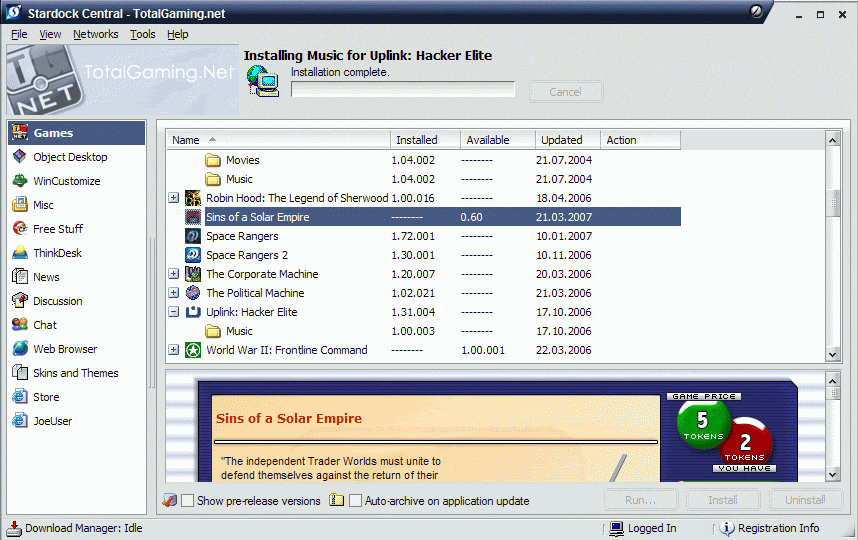
Ok, so how do I download the beta. I do find Sins under purchased software in Stardock Central but the install button is greyed out and won't let me press it. If I right click I get an option to Download Demo but that doesn't do anything either.
6,807 views 20 replies
Reply #1 Top
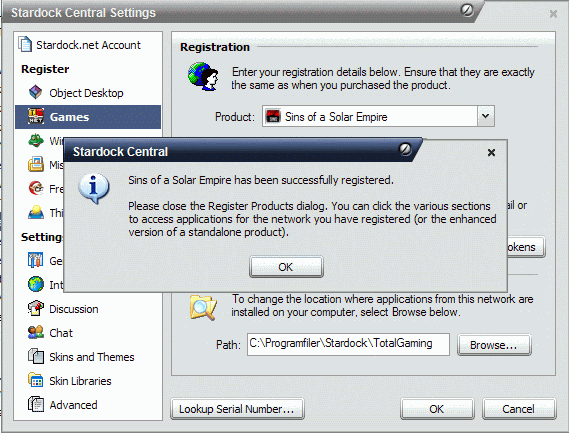
In stardock central, go to tools and hit settings.

On the left pane there is a section called "register" and "games" will be under that. Copy and paste your serial number from the email they sent you into there.

That made it work for me.
Reply #2 Top
That gives a nice confirmation box.

But otherwise no change.
Reply #3 Top
You need to check Show Beta/Pre-Release Versions at the bottom.
Reply #4 Top
That does work. Since I've toggled that on and off a few times when checking out new versions of WindowBlinds I should have remebered it too. Sorry about that.
Reply #5 Top
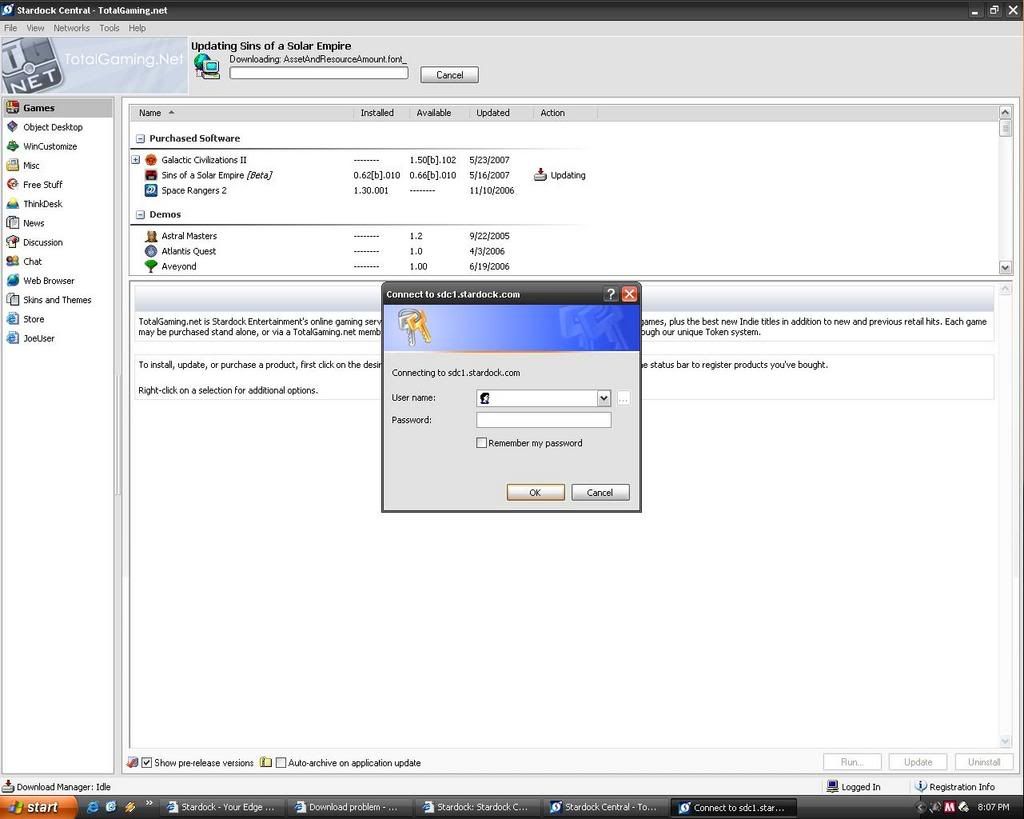
I can't download updated beta. There's a pop up window with asking for log in, it a windows login. I'm not talking about logging into stardock central.

Reply #6 Top
This should be fixed now from what I've been told.
Reply #7 Top
thanks, it works now.
Reply #8 Top
I was under the impression you could not buy the game untill beta 2 now, is that not correct?
Reply #9 Top
I was under the impression you could not buy the game untill beta 2 now, is that not correct?


If you preorder directly, you will be charged and granted access when beta 2 begins. However, if you preorder via TotalGaming.Net tokens, you get access immediately with the caveat that you cannot later decide to have a retail box shipped to you at release (TGN tokens can only buy the download-only version).
Reply #10 Top
How is TotalGaming with patces and the like. Do you have to wait for a personalized patch for TG or can you use the normal patch?

Other games have had that you had to wait with the digital copies of the game (SoTS for instance)

Also slightly offtopic, but what does a token cost after the initial ten?
Reply #11 Top
TGN is just a means to buy it; once you've done so you download and patch via Stardock Central as if you'd ordered the 'regular' way. SDC is also used to patch retail copies of our games (just register your serial and you can not only patch, but download the entire game). As far as patches go, there's no distinction between retail, direct-purchase download, and TGN.

Additional tokens are 5/$34.95 or 10/$65.
Reply #12 Top
so i preordered sins, and i cant register the game with the "cd-key" at the moment, i assuma that i cant register the game to my account until beta2 begins? it says to me invalid CDkey or something like that.

halp !
Reply #13 Top
it says to me invalid CDkey or something like that.


Please contact [email protected].
Reply #14 Top

If you didn't buy Sins using tokens via TotalGaming.net, all you have now is a pre-order number. You won't be able to download the game until Beta 2 (due out this month).

Reply #16 Top
how do you download the file to a different drive, because i have one that holds all my game stuff, but my normal c drive isnt big enough.
Reply #17 Top
In the same window in SDC where you register your serial, you can set the Install Path at the bottom.
Reply #18 Top
yeah, but even then, it still goes to my c drive for some reason

and i do specify that i want it to go to my other drive, but it always downloads to my c drive

it gives me this message saying that there isnt enough space there
Reply #19 Top
umm... what i would do is that i would uninstall all the programs i'm dont really need or use anymore. LoL i just uninstalled hw2 with all those rooms just to fit this one. so far so good.
Reply #20 Top

phlibian - In SDC go to Tools -> Settings -> Advanced and change the directory for Downloads to another hard drive. That will do the trick.