Nacey Nacey

[MOD] Distant Stars - Rebellion Alpha 0.13 Released! [17/06/13]

[MOD] Distant Stars - Rebellion Alpha 0.13 Released! [17/06/13]

http://distantstars.mmobase.com


Feedback of any kind is always welcome. Ideas, balance changes, and bug reporting of any kind is always useful!

Version 1.00 Released!

Make sure to ask for permission before republishing any part of this mod to the public!

Downloads

Rebellion Logo

1.05 + DLC Compatible:

0.12 ALPHA Release:
Full Download:
http://distantstars.mmobase.com/rebellion/Distant_Stars_(R)_ALPHA_0.13_[45189661].7z

Full Download MIRROR:
http://www.moddb.com/downloads/distant-stars-rebellion-alpha-013

MD5: 69486D2FCD3F35E46E6F5EF8C9F1634A

Diplomacy Logo

1.34 Compatible:

1.01 Release:
Full Download:
http://distantstars.mmobase.com/diplomacy/Distant_Stars_(D)_1.01_[45685832].7z


Entrenchment Logo

1.051 Compatible:

Beta 0.9951 Release:
Full Download:
http://distantstars.mmobase.com/entrenchment/DS_Entrenchment_Beta_0.9951_[36672852].7z

SoaSE Logo

1.14 - 1.181 Compatible:

Version 1.01:
Full Download:
http://distantstars.mmobase.com/soase/Distant_Stars_v1.01_[453701567].7z

Make sure to ask for permission before republishing any part of this mod to the public!

Multiplayer Games:
We've setup a thread for everyone to organise their multiplayer games in and also setup example times and dates for most people to meet up and start games. These are what we hope to be the main times for people to be around and want to play games together.

The times are:
4pm EST (9pm GMT) Saturdays & Sundays
9pm EST (2am GMT)
Saturdays & Sundays

If you want to organise other games please go ahead using the same topic to consolidate all the information in one place and hopefully get more games together within our community. These games are for PvP, PvAI & PvPvAIso come along and we'll get some games going!

Screenshots:
We've setup a thread so you can all post your screenshots to share with us the Distant Stars team and its players. Im sure we're all intrigued to see what kinds of battles and events you've all been having on the mod aswell.

Lore:
We know some of you guys love to role play whilst using Distant Stars, and here's a topic for you guys to post all of your role playing stories, character profiles and anything else you can imagine.

Maps:
Some of you avid map makers out there have produced some great maps but never really had them recognised because they've got lost. Well here's a topic for you to post a link to the download (we can even provide mirrors if necessary) a screenshot or two of the map for us all the preview and if enough people like it we'll even include the map in with the actual mod!

Please visit our website and for more information, change logs, downloads, and to report bugs. Our website can be found here: http://distantstars.mmobase.com

Bug Reporting

If you want to report a bug please use the Bug Report feature on our website:
http://distantstars.mmobase.com/?m=reportabug

Please include as much information as possible, if you have an error log feel free to post it on these forums and we'll take it from there. If you can reproduce the error please include the error log (read below to find out how to enable error logs) and include as much detail on how to reproduce the problem.

To enable logging:
Windows Vista/Windows 7:
C:\Documents and Settings\<Your Windows Username>\Local Settings\Application Data\Ironclad Games\Sins of a Solar Empire\Setting
or
Windows XP:
C:\Documents and settings\<Your Windows Username>\Local Settings\Application Data\Ironclad Games\Sins of a Solar Empire\Setting

Open the user.setting file (using Notepad, Wordpad or any text editor) and scroll down to the bottom 7 lines from the bottom is the line:
LogOutput FALSE
Change FALSE to TRUE
LogOutput TRUE

and from then on any Log files will be saved to the debug folder:
Windows Vista/Windows 7:
C:\Documents and Settings\<Your Windows Username>\Local Settings\Application Data\Ironclad Games\Sins of a Solar Empire\Debug
or
Windows XP:
C:\Documents and settings\<Your Windows Username>\Local Settings\Application Data\Ironclad Games\Sins of a Solar Empire\Debug

If you get these log files to us (you can just paste them in to a forum post) we can hopefully get your issues sorted.

Frequently Asked Questions

All files are compressed using 7Zip to shrink the download filesize. To extract these files you must use WinRAR or 7Zip.
Any Patches should overwrite the original install directory, either by extracting over the original folder, or cut/copy & pasting over the existing file/folder structure.

1) My game keeps crashing, is there anything I can do to stop it?
i) Are you running the game on maximum (highest) settings? if so, lower them to High or Medium, there is a known issue with the game using up too much memory, there is nothing we can do about this, also no matter how powerful your pc is, it is affected by this issue no matter the pc it is not above this crashing issue, it is a game problem not a hardware one, so quite simply lower your settings. If you still have an issue with crashing see point two.
ii) Give us as detailed information as possible about the crash, what was happening at the time of the crash, what races, ships, abilities were involved. If you can supply a Debug Log (see above for more information about logging) and post a bug report on our website.

2) The loading screens and portrait pictures dont appear properly, whats wrong?
i) This is an issue with ATI based graphics cards (rarely affects Nvidia based cards) we're looking in to the issue.

3) Why dont you support converting Distant Stars in to TXT format?
i) Quite simply many things can go wrong with converting your mod to TXT, we cant help you with something you've probably broken yourself.

4) Can I mod Distant Stars for myself?
i) Yes you can however please do not distribute our mod or our mod that you have edited to the public. You must ask for permission to do so, we will regrettably stop distributing our mod to all if users abuse our work.

5) Your mod is in BIN format I can't edit the files, what can I do?
i) You can convert the mod to TXT format however we wont offer any support to versions of the mod that have been converted to TXT.

6) Why is Distant Stars distributed in BIN format?
i) Mods load faster in BIN format and are less likely to have issues in this format.

7) I'm having trouble installing the MOD, do you have any more instructions?
i) Carbon was kind enough to do some more advanced instructions out here.

8) Is there any way to make new maps for Distant Stars using GalaxyForge?
i) Within the Distant Stars Extras folder there is a folder called Galaxy Forge, Copy and Paste this folder (or its contents) over your original Galaxy Forge folder (or its contents) replacing any files if it asks you to. When you start Galaxy Forge next you'll be able to use all of our planets.

Or, the DIY approach (without custom icons):

ii) The GalaxyForge supplied by the devs will still work with our Mod, however to be able to access all of our planetary bonuses, templates, planet types and stars you will need to take our GalaxyScenarioDef.galaxyScenarioDef (found in the GameInfo folder of the mod) and place it in to your GalaxyForge folder, overwriting the original GalaxyScenarioDef.galaxyScenarioDef (if you still wish to make maps for the original game keep a backup of the original file). This will allow you to use all of the Galaxy changes included in our mod.

Note: Any maps made for Distant Stars will not work with other Mods. See #8.2 for DIY instructions for map making or take the appropriate files from Entrenchment, they're cross-client compatible.

Some statistics...

Since August 2009 to February 2011 we have had over...

400,000 Unique visits to the website
12,000GB (12TB) of data transferred from our website

That equates to over 60,000 Unique downloads of the entire mod, excluding the excess of 20,000 Patches downloaded. 

Thanks to everyone that has supported us this far and making our mod as popular as it is!

dyMRNwSFh9gw
15,657,487 views 8,423 replies +31 Loading…
Reply #4551 Top

@Lonestar - Did some research on your complaints. Not sure where you are getting your numbers as TEC Battleship doesn't go over 21 Armor. Ironically with Armor upgrades and Armor Ability the Advent Battleship goes up to 22 Armor. Which is a bit superior. Also checked the Advent and they can get their attack numbers over 200 with research which is the same as TEC. Vasari can go higher yes but considering that Vasari starbases get no AoE abilities (Advent gets the best with TEC getting a nasty one though it cost you an starbase) plus to get it that high requires 7 starbase points (Advent and TEC get only 5) that should be fair.

I'm not trying to be mean but it is clear that you are getting beat by your friend and not by the mod. By all the numbers Advent should beat TEC in a head to head. TEC only can win by superior eco.

Or your friend is tweaking the mod to his advantage.

Reply #4552 Top

Quoting Ryat, reply 4547

Quoting Lonestar123, reply 4546140 to like 12

I hope that is an exaggeration because they are not suppose to be that high.


Quoting Lonestar123, reply 4546i congratulated my friend today cause for the first time ever he had to make robotics cruisers!

If I don't, while playing the AI, I lose. Always.


Quoting Lonestar123, reply 4546It still took an entire fleet to take down one of his capital ships though.

The only time I have seen that is with my Flagship mod. I generally lose a capital ship or two to the AI.

Oh and I play as TEC regularly.

TBH the more I read your accounts the more I see that you are being out fought and out classed. Even in MP with DS you have to move faster on your expansions and research then you do in SP with the AI.
End of Ryat's quote


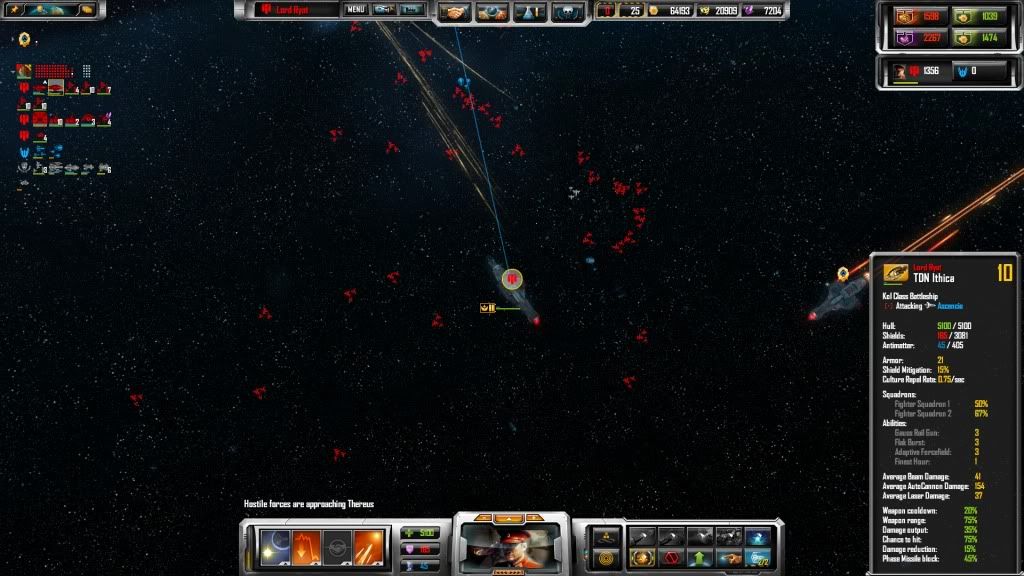
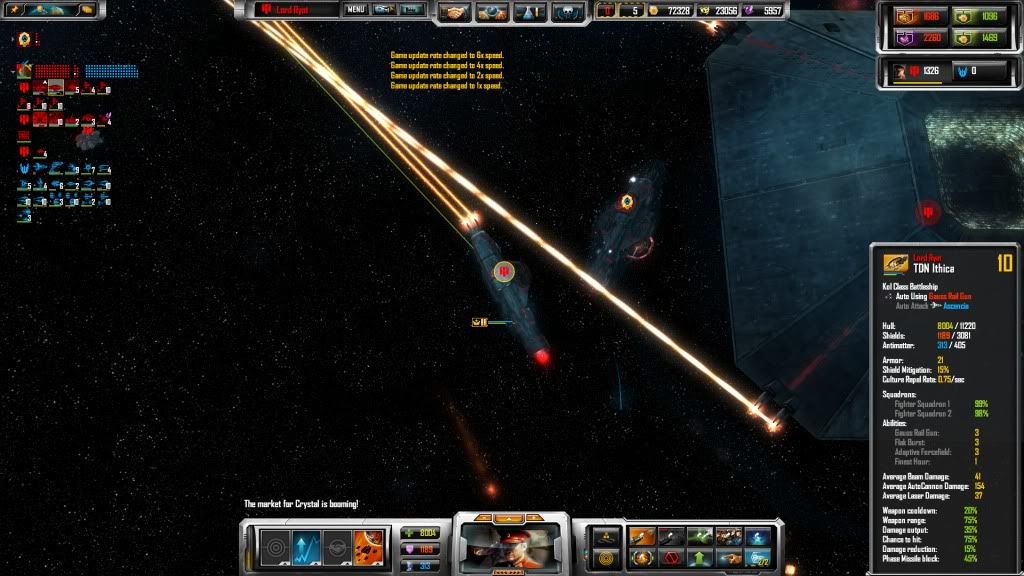
TEC carrier. 10845 HP, 19 armor. it still took an entire fleet to focus fire on it for a good 1-2minutes for it to fall.

the Kol has 13500 HP at level 10 along with almost 26 armor, dunov 9800~ and the rest are within 10-11 thousand range

advent battleship, only has about 9000 shields at level 10. and thats as HIGH as it goes for that race, all the rest are under that. with the lowest only being around 7500~ at level 10 

Vasari are pretty equal, level 10 capship has about 8600 hull and 5-7200 shield, this is GOOD. and I like the balancing you've done here

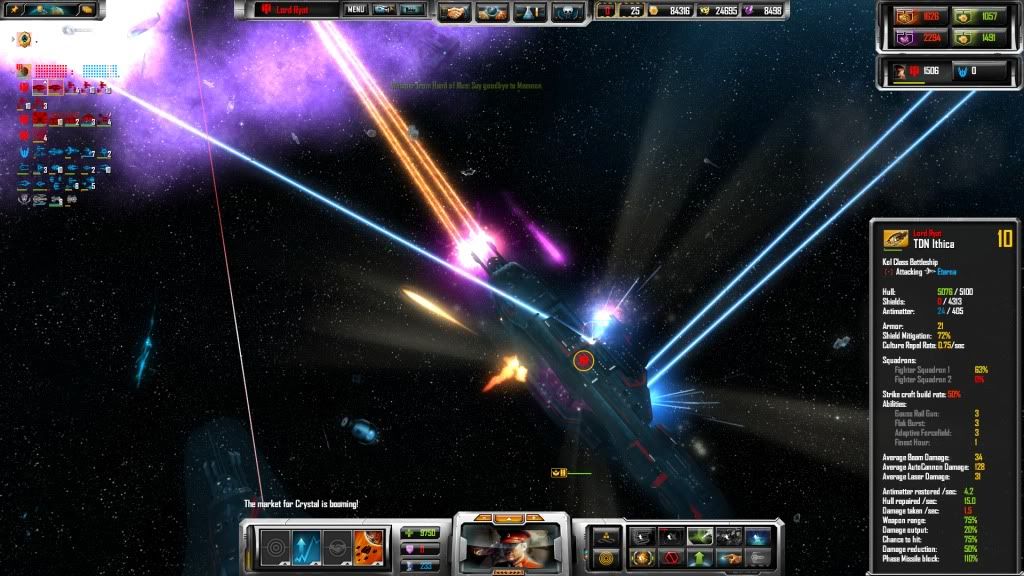
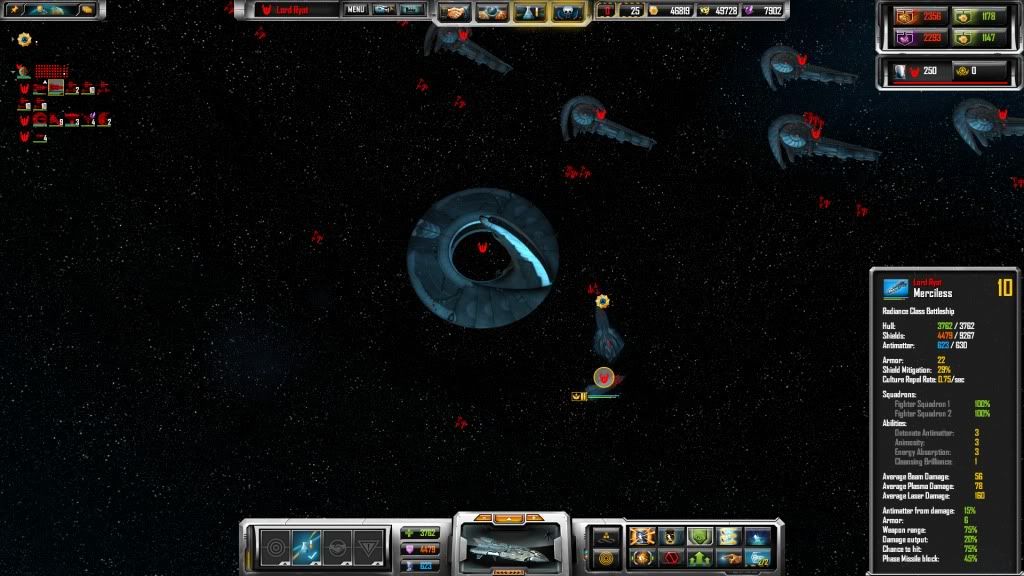
first hand accounts :

http://cloud.steampowered.com/ugc/594680945421827565/6F6F84BC8439C1530BB451CE77472E94E1A18416/ 

screenshot 1 #

and this was the enemy fleet composition

http://cloud.steampowered.com/ugc/594680945421834614/904E09127FA107BBECFBBDC2835BE337FBF91BF7/

screenshot 2 #

so. 5 battleships plus ajoining fleet for one TEC battleship? what happens if said TEC player had 8 battleships? counter it with 40 battleships and 700 units? (and at the rate he plays at, he has 5 battleships by the 20minute mark)

no matter what you say, TEC have become obscenely powerful, I wouldn't mind if advent (mostly advent) and vasari were balanced the same way, but the thing is they arn't, advent even with 8000 (I got it up to 12k once, but that was with artifacts and planet bonus) shields still drops like a fly in less then 20-30seconds of focus fire, vasari is jack of all trades with most of their armor and shield upgrades equalling 6, vasari are ok. i can still take down a few vasari ships pretty quickly with little to no issue, they also don't feel too overpowering or walls of destruction (unless phase missiles EVERYWHERE) (apart from their destructor, but that has its role as fleet sweeper :D)

or are you trying to make advent the behind the scenes race? where they have to rely on culture? then as soon as an enemy fleet appears on your doorstep its WELL I'M DEAD, I had a 150 advent ship fleet composition, unfair computer drops at 140 ship fleet on the same planet, and my fleet lost. HORRIBLY. and I lost several level 8 battleships (I had about 12 at that point, and only 4 made it out) in the process.

play as TEC, he comes across a similiar battle, and all he loses is 2 capital ships. 

both were against vasari.

so I propose something , how about giving the advent access to research with helps nullify the chance % that phase missiles go through shields? it shouldn't need to be much. maybe 5% per level with a max of 4, advent SPECIALIZE in shields, why they wouldn't have this kind of research to their knowledge is beyond me. This solves the main problem against vasari, it keeps the advent as the shield kings, and the TEC as the Hull kings, while keeping the vasari in the middle, and vasari shouldn't really be complaining about damage, so far all their capships do about 200-300 a hit, even without the phase missiles.

Quoting Ryat, reply 4551
@Lonestar - Did some research on your complaints. Not sure where you are getting your numbers as TEC Battleship doesn't go over 21 Armor. Ironically with Armor upgrades and Armor Ability the Advent Battleship goes up to 22 Armor. Which is a bit superior. Also checked the Advent and they can get their attack numbers over 200 with research which is the same as TEC. Vasari can go higher yes but considering that Vasari starbases get no AoE abilities (Advent gets the best with TEC getting a nasty one though it cost you an starbase) plus to get it that high requires 7 starbase points (Advent and TEC get only 5) that should be fair.

I'm not trying to be mean but it is clear that you are getting beat by your friend and not by the mod. By all the numbers Advent should beat TEC in a head to head. TEC only can win by superior eco.

Or your friend is tweaking the mod to his advantage.
End of Ryat's quote

I've never had my battleships get up to 22 armor (and thats with max armor upgrades plus ability - and we usually get pacts as well), also armor matters little for the advent, the hullpoints are so low that if advent battleships lose their shields, its GTFO OR DIE.


Did you do your tests with level 10 battleships? I'm pretty sure the armor points are alot higher then that, my friend has said several times that the armor on his battleships is more then my starbase, and I'm not sure if he's screwing with me or just being 'trololo' as usual.


Reply #4553 Top

I agree but what i see is that u only use one Carrier, the Repair Cloud is (imo) very helpful in bigger Fleets.

Reply #4554 Top

Quoting Lonestar123, reply 4552
Did you do your tests with level 10 battleships?
End of Lonestar123's quote

Constantly. It is something I chuckle about because a lvl 10 Kol with max research armor is at 21 Armor while a Maxed out Elite Bomber from a Sova is at 23 Armor.

As for the Advent to be honest that is with Diplomacy 1.2.

I will game test further.


Reply #4555 Top

Test Results.

Will do a stat analysis after work.

Reply #4556 Top

Hi, I'm having the same Hemisphere Corruption issue as CatinALawnMower. I've done 2 reinstalls, as well as updated my drivers, and the issue persists. Hardware is not an issue, either.


This problem only seems to affect Desert Planets, however. All other planets are fine, I have not had any minidumps, and aside from this one thing, the mod runs perfectly fine (and is a blast to play, I might add,) so this is really more an annoyance than anything else. I just thought I would let you guys know that chances are this is not a unique issue.


I'm not using MSGM, and I'm running in a Widescreen resolution, if that matters.

Reply #4557 Top

Isn't there any DS version compatible with vanila Sins 1.9 ?


I am saying this because I cant stand mines,because I dont know how to counter them late game except sending my 200 unit fleet across them to sweep them and as a result have only 50 left.

Also,there are no bugs like advent drone host building mines instead of craft or AI suiciding to starbases,.I have had enough of this.


Reply #4558 Top

I'm still having the same problems. I reccomend installing MSGM and seeing if it helps, but if you're having the same crap as me then it most likely won't. Give it a shot though.

Reply #4559 Top

Tried it, no problems but the issue with the Desert Planets did not go away. Thanks for the suggestion though. 


Does the Hemisphere thing happen to other planets on your install, Cat? Cuz near as I can tell it's just an annoying graphical glitch with DS. Doesn't happen in Stock Sins either.

Reply #4560 Top

No, just Deserts. But I did my daily reinstall of DS (trying to get it to work somehow...) and got this:


What the hell is that?! x_x

Reply #4561 Top

The gods of Distant Stars have tidy minds. Why put our planets in circlular orbits round stars when they can be in rows? Far more logical.

Reply #4562 Top

It looks like it's actually activating the row of alpha channels used in the template. So you're seeing a reference photo used for the game.

Reply #4563 Top

I wonder if cat's vid card doesn't like the DDS format...  Will have to convert some textures back to TGA to see if that fixes things...

Quoting blobness, reply 4559
Does the Hemisphere thing happen to other planets on your install, Cat? Cuz near as I can tell it's just an annoying graphical glitch with DS. Doesn't happen in Stock Sins either.
End of blobness's quote

Have you downloaded my fixes I posted about a month ago?  https://forums.sinsofasolarempire.com/335474/page/167/#2890479  In your case, just pull out the textures for the Desert planet out of there and put them in your texture folder and see if that fixes anything.  If it doesn't, I'll try to figure something else out.

Quoting OriLord, reply 4557
Isn't there any DS version compatible with vanila Sins 1.9 ?
End of OriLord's quote

Yes, there are a few versions.  None of them are posted.

Quoting OriLord, reply 4557
I am saying this because I cant stand mines,because I dont know how to counter them late game except sending my 200 unit fleet across them to sweep them and as a result have only 50 left.
End of OriLord's quote

Ever heard of a nifty little inexpensive unit called a scout?  They reveal mines.  Jump a couple ahead of your 200 ship fleet and let them expose the mines.  Then as your fleet jumps in and moves across the mine field, they'll shoot the mines and destroy them before they explode.  You can also look at your jump path and move to a different part of your current gravity well and change your jump angle so you don't land right on top of the mines.  Basically, mines are incredibly easy to counter and most people only use them to hold off AI's who aren't smart enough to counter a mine field.

Quoting OriLord, reply 4557
Also,there are no bugs like advent drone host building mines instead of craft or AI suiciding to starbases,.I have had enough of this.
End of OriLord's quote

Don't get mad in this thread about that.  Until Stardock and Ironclad change the engine and allow for modders to write better scripts for the AI we're all stuck with what we're given and advent building mines instead of strike craft and AI's challenging starbases instead of just going around them aren't issues we're able to fix.

Reply #4564 Top

Quoting Stant123, reply 4563
https://forums.sinsofasolarempire.com/335474/page/167/#2890479  In your case, just pull out the textures for the Desert planet out of there and put them in your texture folder and see if that fixes anything.  If it doesn't, I'll try to figure something else out.

End of Stant123's quote


I just tried this, and simply putting the Desert planet textures in the Textures folder had no effect. Upon closer inspection, all the planet files save for Ice have been renamed to planets from around our Solar system. I tried getting rid of all the planet textures that logically could have been a  desert world, but No go. Thanks for the help though.

Reply #4565 Top

Quoting Ryat, reply 4555
Test Results.


Will do a stat analysis after work.
End of Ryat's quote


this doesn't seem to be with antimatter and weapon upgrades done right? cause the damage looks a bit low and so does the antimatter stores.

Reply #4566 Top

Quoting Lonestar123, reply 4565
this doesn't seem to be with antimatter and weapon upgrades done right? cause the damage looks a bit low and so does the antimatter stores.
End of Lonestar123's quote

No, that was never an issue you brought up, though TBH Advent get far better weapon tech upgrades the TEC.

Advent:
Lasers - 60% - Damage
Beams - 60% - Damage + 30% Range
Plasma - 60% - Damage + 30% Cool Down

TEC
Lasers - 40% Damage
Beams - 40% Damage
AutoCannons - 60% Damage
Missile - 60% Damage + 30% Range

AntiMatter upgrades are fairly balanced. Advent get a 60%/60% increase as opposed to TEC which gets a 40%/40% increase but TEC gets increases in recharge from cultural effects.

Reply #4567 Top

Okay I have two points

First, the second round of the Flagship mod is ready

http://www.mediafire.com/file/dx5j6cjjvc2d6nf/Flagship.zip

Mostly internal changes (cooldowns, and an Ultimate at its appropriate level) so you won't see many changes.
The checksum should read 148910398

Second, spoke to Nacey about the planet textures and as he also has an ATI graphics card he thinks he knows the fix.

Go to here

http://www.softwarepatch.com/windows/directx.html

download and install.

Hopefully this will fix the problem for you all. And yes this includes those that have Win7. Nacey says it is the biggest culprit.

Reply #4568 Top

Just tried the DX fix. Still no joy. Could you please let us know which of the files in the textures folder applies to the Desert Planets?

Reply #4569 Top

Quoting blobness, reply 4568
Just tried the DX fix. Still no joy. Could you please let us know which of the files in the textures folder applies to the Desert Planets?
End of blobness's quote

That's a shame it didn't fix it. I know this is a stupid question here but you did run the dxsetup.exe file within the folder that file extracts didnt you? (You may also need to restart too) Sorry if that seems insulting just need to double check!

I've uploaded .tga versions of the files here for you to download and use (just delete the other versions of the files with the same name from the Textures folder.

http://distantstars.mmobase.com/other/Icons_planets.tga

http://distantstars.mmobase.com/other/Icons_planetsPictures.tga

http://distantstars.mmobase.com/other/Icons_planetsSmall.tga

Simplest fix for now until something more permanent comes about!

+1 Loading…
Reply #4570 Top

Yeah, I ran setup, but neglected a reboot. Lemme try that now. Either way, thanks for the new files Nacey, if all else fails. Like I said before, the mod runs fine aside from that one little issue with the desert worlds. :annoyed:


EDIT: Yeah, I can confirm that, for me at least, the DX fix did nothing. Oh well, Stock Planets it is then.


SECOND EDIT : Okay, now this is getting weird. The .tga Files had no effect either. I'm assuming I was supposed to remove the .dds Files with the same names? Because after doing so, and installing the .tga files, the planets still look exactly the same, including the huge black poles on the Desert Planets. I'm assuming I goofed somewhere?


Wait, to clarify - those files were for Icons, and the issue we're discussing here is the actual texture of the Desert Planets? Because if that was simply an Icon fix for CatInALawnMower, then I'm kinda wasting forum space.

Reply #4571 Top

I think there was miscommunicae on the image fix, yes. RYAT! XO

Reply #4572 Top

Sigh and Nacey just went to bed. Damn English Time Zone.

@blobness - Attempt a full redownload and work from there is all I can give. Sorry

Reply #4573 Top

Already attempted a few full redownloads and reinstalls. It isn't terribly annoying, and nothing else ever goes wrong, but I figured you guys would want to know.. If I had the time I'd just go through and find whichever texture files were associated with desert planets via trial and error, then just use the stock desert textures but I'm kinda supposed to be working right now.

Since it was brought up before, yes, I am on an ATI card, a 5570 to be exact.


BTW the Flagship mod is awesome, I had no idea such a thing existed.

Reply #4574 Top

Its still in the development stage.

Reply #4575 Top
Wait...what fixes are those links above for?