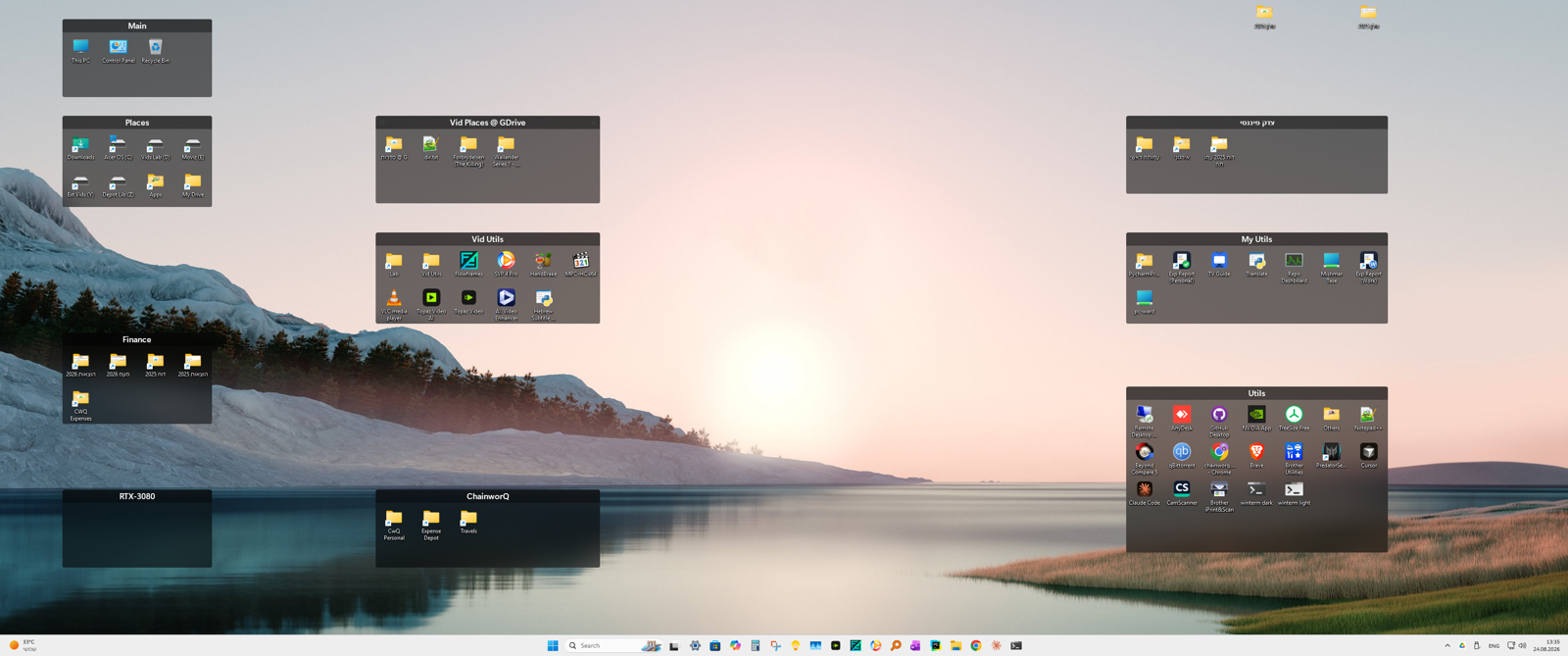
Hi harel, team got to sit down with this together for an hour today and we are for sure seeing considerable thrashing between DPIs 150%/125%/100% on the system, but, it is not rapid, so, we were able to rule out "transient" problems.
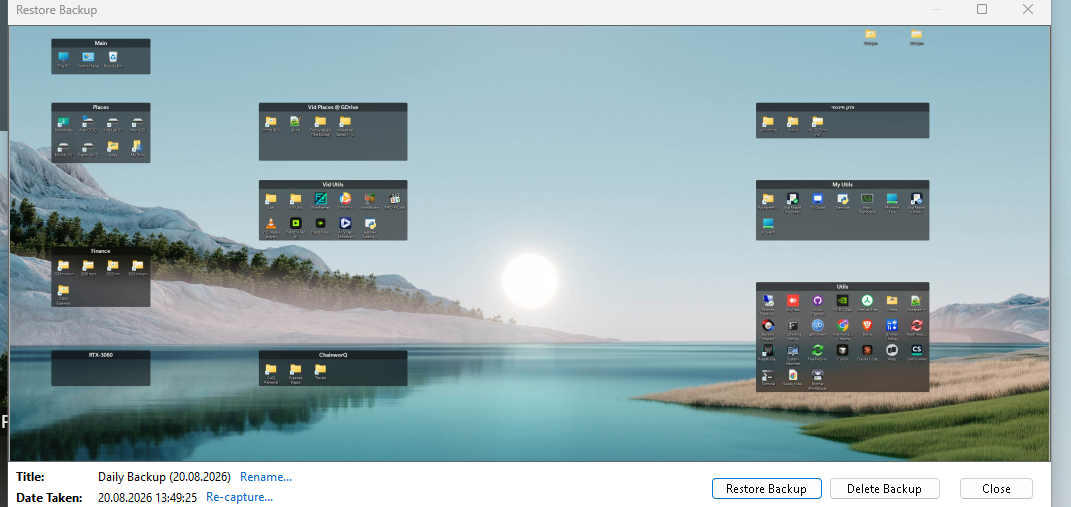
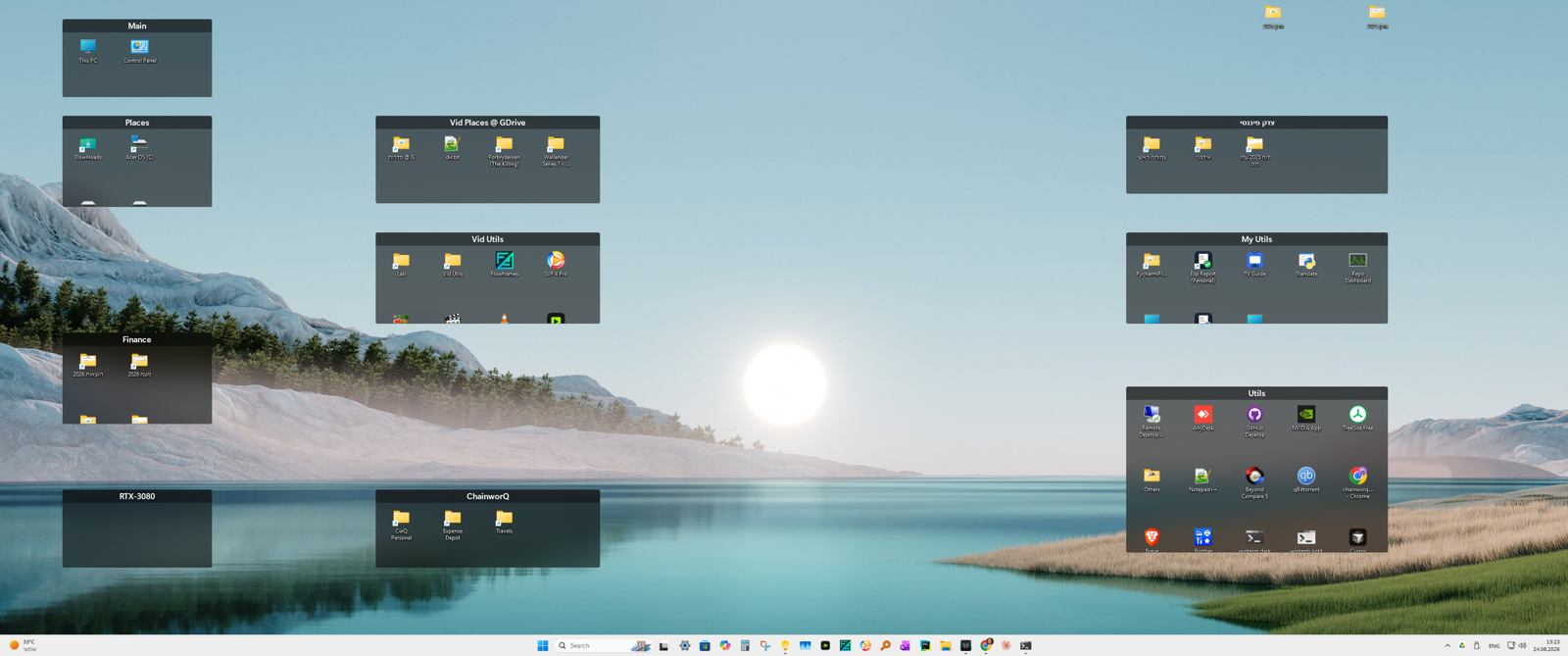
Still looking into seeing what might be happening to have the groups remain stretched and if any problems there with the settings transformation between resolutions (i.e. the resolution change system, that stores the layouts separately per-DPI), but it does seem to just be an issue with the spacing detection itself that is stretching things out.
Specifically, when the system boots at 150% DPI and then moves to 100% DPI. Explorer handles this much differently than starting at 100% and then switching to 150% and then back to 100%. The basic logs go back to 8/4/2026, so, tbd if we can observe whether this began suddenly or not.
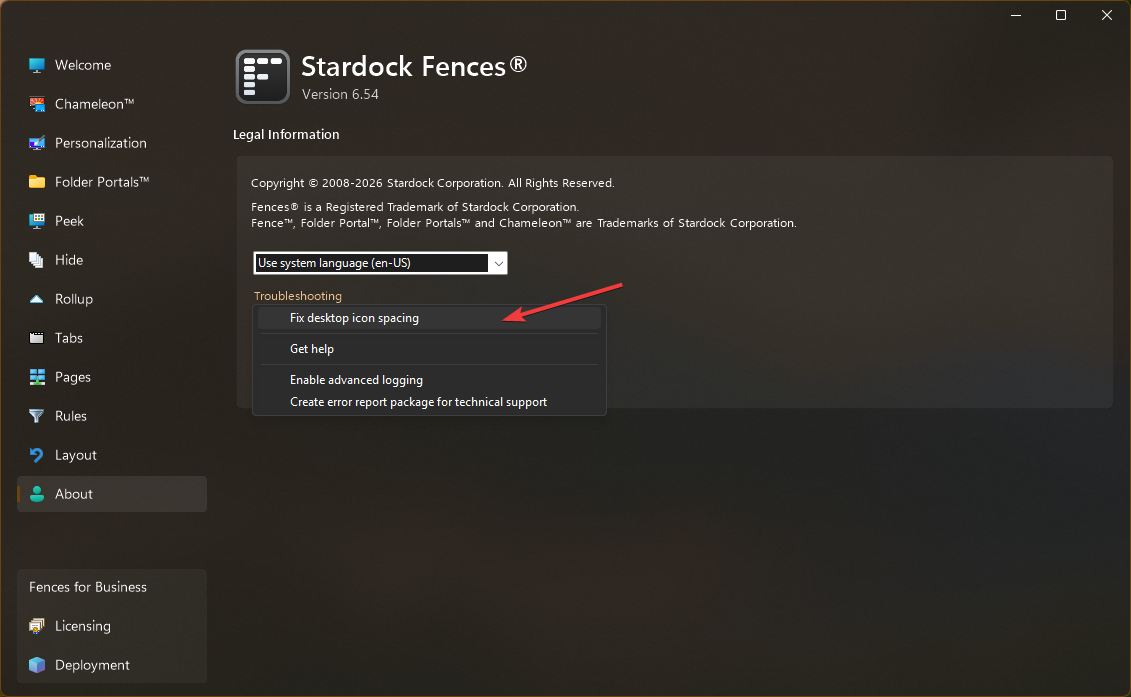
We do think we may have a solution, however. Please try editing this setting, and then hitting F5 on the desktop (and/or logging off and then on, if it doesn't seem to have effect.)
HKEY_CURRENT_USER\Software\Stardock\Fences\Settings
UseRealtimeIconSpacing=FFFFFFFE
New installations get "-2", upgrade installations get "-1". -1 applies improved sizing logic to "large desktop sizes" only, which were a known issue, and -2 applies to all icon sizes. The point of this was specifically so that the logic improvements would *not* propagate to existing installs where unneccesary, but, we're increasingly finding that we should probably propagate the improved mid-flight DPI-change spacing detection logic to all installs and all icon sizes, and further, trying to figure out if something changed that would affect existing installs outside of our intentions. In this case, your icon sizing is 39px, just below medium 48px.
Thanks for your patience, as as you might be able to see from the logs, very complex topic of transforming layouts and discerning system metrics.



 Stardock Forums