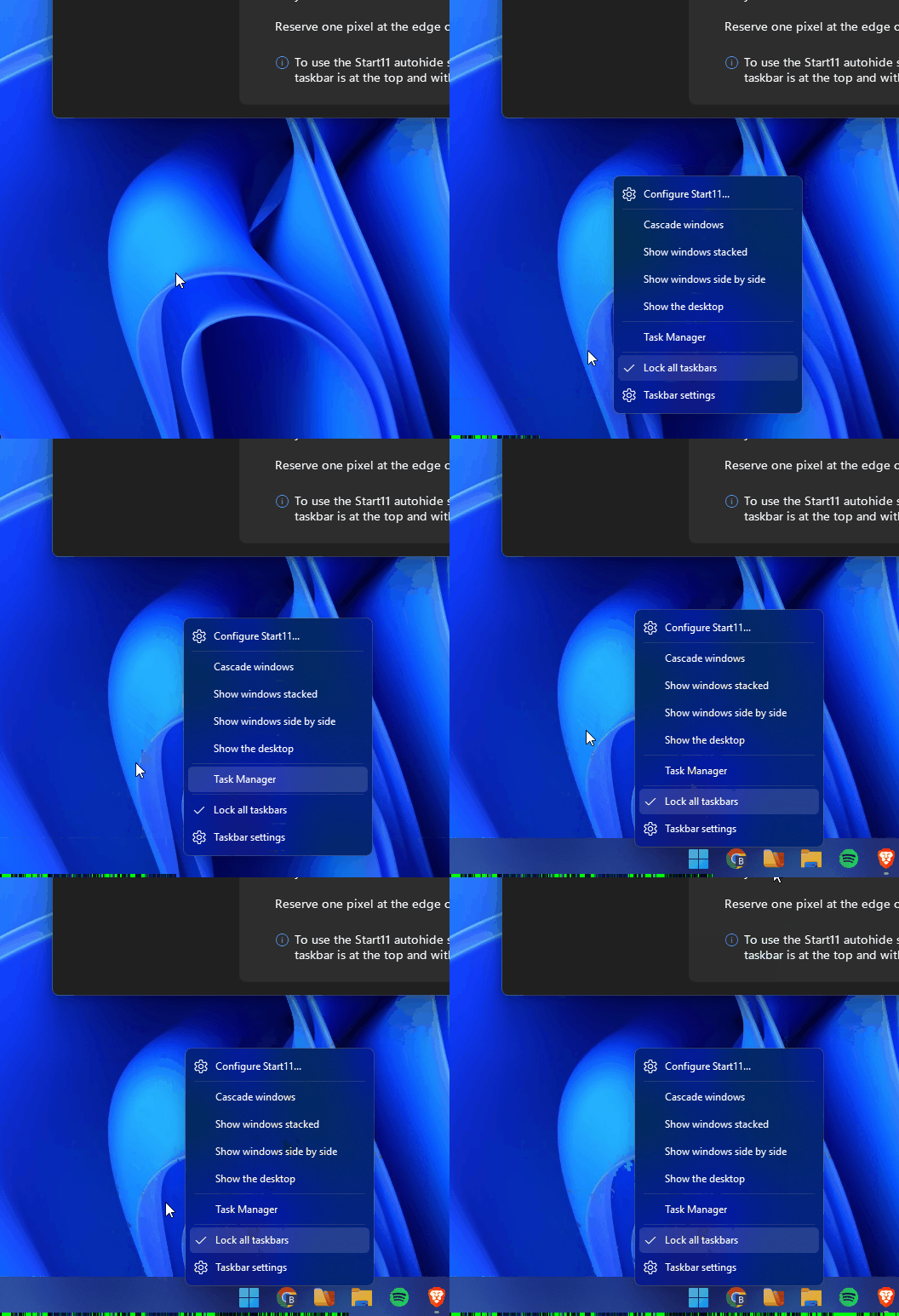
Start11 taskbar context menu freeze

Context menu freezes when autohide is enabled

Windows Version Number: Windows 11 Pro 26200.9168
App Version: 2.81

Hi, I found this old topic: https://forums.stardock.com/527802/start11-2-07-taskbar-partial-freeze

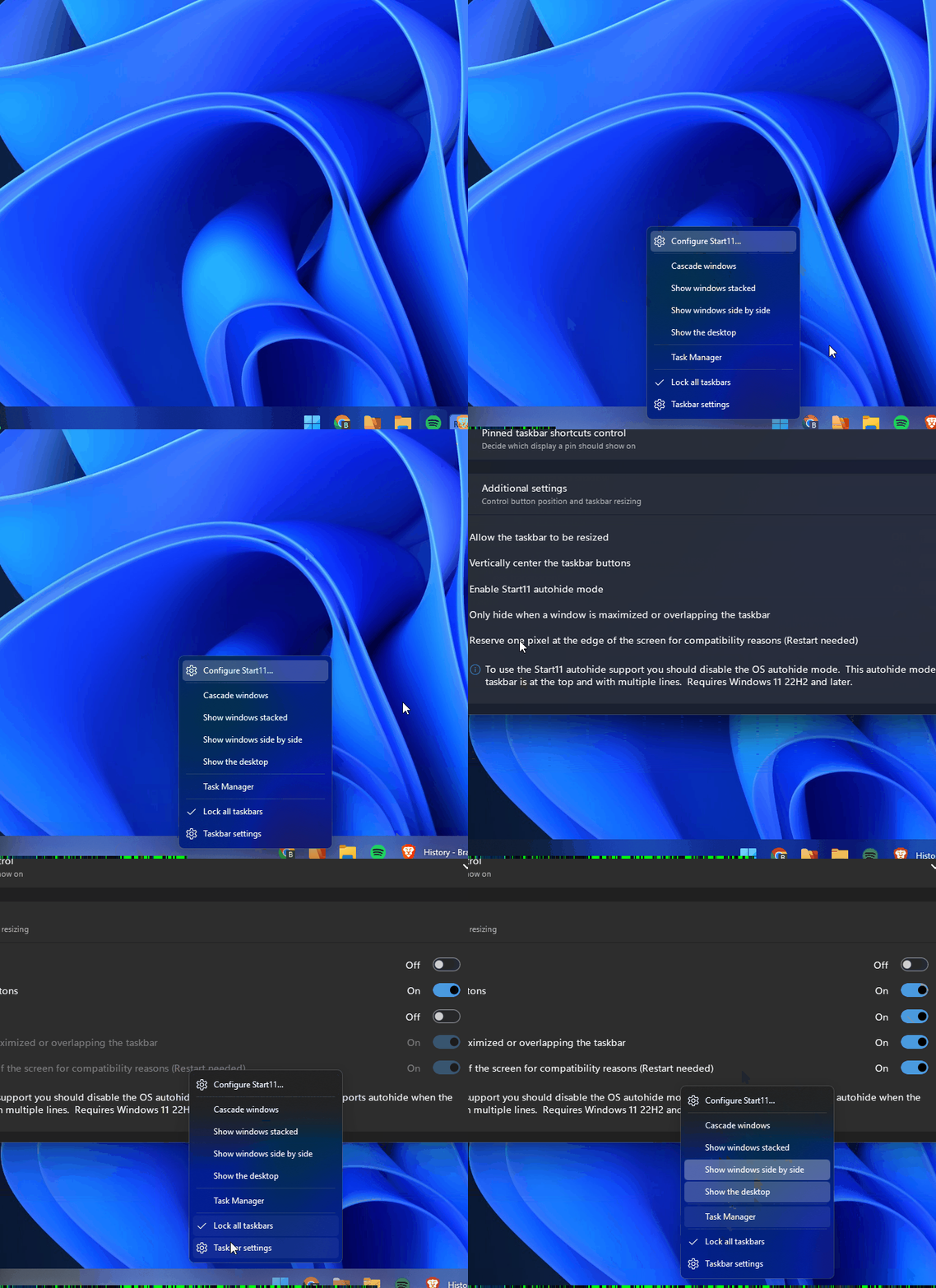
Which has the same problem that I'm describing here. I've been having this problem for a good while, I'd say for months now, I think since I bought the software. But it's annoying me more and more. I managed to capture it on a gif, like the poster in that thread, I was tweaking each setting until I found the culprit, and apparently he's been having this problem since 2.07:
I use Start11 in my work PC and I don't think I have this problem, at least not as annoying as on my home PC.

I managed to capture a memory dump from the Start11.exe process in case it helps. Let me know how I can send the .dmp file.

I'm also a developer for windows desktop software, so I'm open to any debug process you might want to run: send me a debug compilation, generate a version with more logs, whatever you want. I know sometimes it's difficult to diagnose something that happens only on a client machine.

432 views 4 replies
Reply #1 Top

Hello,
Sorry to hear you are having issues. Unfortunately, I can't reproduce your issue on my system.


Would like to suggest, Please try, uninstall Start11, reboot immediately (important), download latest version available in your account product download page: https://store.stardock.com/myaccount/products. Install it, reboot immediately again. Retest it and report back. And any other details that might help us to try reproduce your issue.

Thank you,
Basj,
Stardock Community Assistant.

Reply #2 Top

Ok, I had already done the uninstall, restart, etc sequence, but I did it again anyway, even selecting the option to remove all my settings, so I went with the default settings, just enabled the enhance task bar option, set it to auto hide like i showed, and it happened again.

I did some more testing, like I said, in my work computer I use start11 too and it doesn't reproduce there, so I tried to make my home computer more like my work computer: I stopped PowerToys, Steam, hardware monitor, etc. I changed my resolution and refresh rate, i disconnected my extra monitor, nothing changed.

What seems to have helped though was the mouse: At home I have a Logitech G502X Plus, it's a wireless mouse with 1000Hz polling rate. It seems like if I reduce it's polling rate to 125Hz it helps, but doesn't completely hide the problem. Also it seems like when I use a regular bluetooth mouse it helps too.

I tried installing the software on Windows Sandbox and couldn't reproduce (since it probably isn't using the mouse input directly).

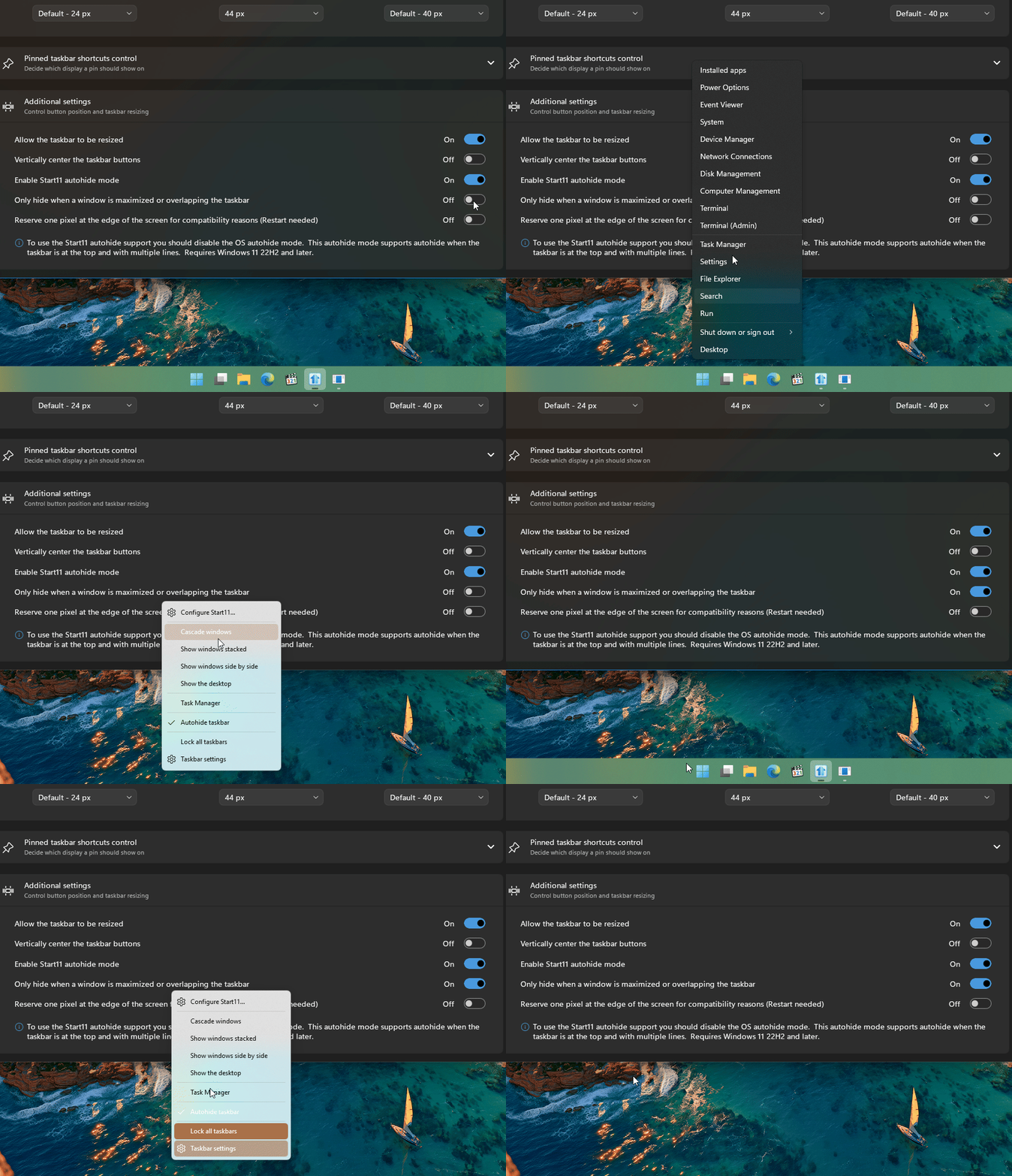
Another thing: it seems like the first couple of times after restarting the PC are the worst, perhaps later on there's something cached and it's harder to reproduce. And speed is definitely a factor. Look at gif above, I recorded it at 60fps (and I think the gif renders at 30fps so it looks slowed down): the 1st and 3rd time I open the menu are the ones where it clearly freezes. I right click and on reflex my mouse is already on the Task Manager button, it's there before the animation finishes. In the 2nd try i right clicked, waited and then it clearly didn't freeze:

Seems to be some kind of concurrency problem between the taskbar hiding animation or something. If we let it play out, it doesn't reproduce, but again, if i'm quick enough, I can freeze the menu. Sometimes it comes back on its own, sometimes I have to hit the Win key on the keyboard.

Reply #3 Top

Can't do the polling rate test on my system, my mouse only max out at 125Hz. However, I have forwarded your problem/question to Stardock Support Team for their assistance. Please keep an eye on this thread for any updates. We appreciate your feedback and patience. Thank you.

Basj,
Stardock Community Assistant

Reply #4 Top

Thanks. I'll keep an eye on here. Also like I said, I work developing software for windows desktop, so I'm open to any debug procedure the team might want to run. I understand how difficult it is to debug something when it's specific to a customer PC/situation.

I really like Start11, hope we can fix this.