ZombiesRus5 ZombiesRus5

Show off your Sins model (pick a page)

Show off your Sins model (pick a page)

Think of this thread as something similar to conceptships.blogspot.com for the Sins community. Basically, a way for the community to share what they have created whether it makes it into a mod or not.

At a minimum post a screen shot of your model in blender, xsi, 3d object converter, etc or in game. If you have a name for your ship or story behind it, even better.

We are looking forward to seeing what you have created! :)    

Interested in importing your models into Sins?

Visit http://soase.weebly.com/modeling.html (thanks myfist0)
The soase.weebly is a compilation of many of the hard to find topics created by many experienced soase modders and extensively added to by myfist0. Check it out, you won't be disappointed.


From the beginning of this thread IskatuMesk has wow'd us with his models and ultimately released a video of his creations in Sins of a Solar Empire. This particular model was my favorite in the beginning and still stands out.

SivCorp looking to stretch new ideas from existing models managed to create several menancing models including the fantastic Vasari version seen here: (Vasari Flagship Sonar Kal'd used in the Distant Stars Mod)


It's my thread so a few of my stuff...

     Mass Effect Textures 


3,593,221 views 1,643 replies
Reply #1201 Top

@Holybeast here is the tool to convert the models ^^ http://soase.weebly.com/convertxsi.html


and here is a little something on adding in the ships http://soase.weebly.com/add-edit-ships.html

Reply #1202 Top

Anyone check ConceptShips today? 


+1 Loading…
Reply #1203 Top

Quoting Swiss, reply 1202
Anyone check ConceptShips today?
End of Swiss's quote

Like always, it is gorgeous... pretty sure that when you mod will be finish and released, Stardock will certainly sell thousand of soase copy because of these mod...

Not sure if it is possible but since ALL your work is original ( not based on already existing sci-fi show with copyright ), maybe Stardock can release your mod like a soase expansion pack and allow your team to earn some little money for all these years of hard work... Somehow like some of the premium module for "Neverwinter Nights" released by Bioware and made by the modding community ( ShadowGuard,  Wyvern Crown of Cormyr, etc )...


Reply #1204 Top

Err... afaik, DoV is based on a well established sci-fi franchise.


Gorgeous models though, and beautiful artwork.

Reply #1205 Top

Quoting ManSh00ter, reply 1204
Err... afaik, DoV is based on a well established sci-fi franchise.
End of ManSh00ter's quote

Sorry, have not know about it... when i google "dawn of victory", the first result is about the mod itself ( http://www.dawnofvictory.com/ )... well, it change nothing about my comment on the quality of the mod ( i am "in love" with the military style GUI of DoV ).


Reply #1206 Top

Originally DoV was based on the WorldWar series of books by HarryTurtledove. However so much has been changed since then that we now only share a few small elements. I don't think there would be any problems if we tried to sell something, hopefully not as we wan't to do a graphic novel or something one day.


Thanks for the comments pals 

Reply #1207 Top

Quoting Swiss, reply 1202
Anyone check ConceptShips today? 
End of Swiss's quote

Nice models as always. Your modelers and artists continue to awe me.

Reply #1208 Top

Hello again Sorry to ask but im having a project due soon and i made a model space station however this project is required to have materials to everything so im worried cus Ive look at Google and not much to find so if anyone can help me with links plz im looking for textures bridge glass lights etc almost everything to make a space station realistic

Reply #1209 Top

go to google image : http://www.google.be/imghp?hl=nl&tab=wi

and in the search field, type "sci-fi texture"... million of result...

In my case, since i am bad at painting, i simply copy and paste piece of texture found on the internet and/or renders of nurmie/greeble model... for a sample, go to http://www.love-from-russia.be/nurnies01.png ... since transparency is used for background during render, it is very easy to select/copy/paste... if you wish, you can load my sample in Gimp, "image>mode>rgb", and use "color>color balance" for adapt them to the color of your hull

i have several thousand of nurnies/greeble but i cannot give them to you ( copyright work )... but if you wish, you can buy some of them... by example, i have buy two full DVD with all nurnies/greeble ( 1650 models ) used for make the 2004 Battlestar Galactica models... 

With time, you will build your own collection of picture for texturing... as today, i have several TB of data... from industrial transformator ( use them for texture coil ) to middle age chainmail armor ( chainmail texture look great when wrapped around pipe section )...

Reply #1210 Top

Thanks a bunch that helped alot but the only issue im still having is find command bridge, lights, and missile silos on ships maybe im miss pronouncing them

Reply #1211 Top

Well, you can't find everything on the net - for specific textures like that, best to make your own. Fire up Gimp or Photoshop, download a bunch of "base" textures and composite them to your heart's content!

Reply #1212 Top

Quoting ManSh00ter, reply 1211
Well, you can't find everything on the net...
End of ManSh00ter's quote

Well, you can find everything... problem is that it can be only a little section from a bigger picture...

A little package for Holybeast with some texture who can be used for light and missile silo ( nothing for command bridge since i don't know what you mean/wish ) at http://www.love-from-russia.be/Holybeast.zip ...

By example, i have use the mis_sil_03.jpg from the package for my last space station : http://www.love-from-russia.be/g4_01.jpg 

For light, http://www.love-from-russia.be/ScreenShot_35.jpg , used the light_02.jpg for habitation zone, light on the shipyard place was made in gimp ( circle select and fill with a gradiant from blue to white )... for the bridge, http://www.love-from-russia.be/ScreenShot_36.jpg , i have use a piece of light_05.jpg... for hangar, piece of light_04.jpg...

Fact is that you need to build your own collection... each time that you see something interesting, save it... by example, the picture used in the background for these forum show a orkulus starbase... the lower part have a big round section with light... can be recycled for texture the reactor exhaust of a other model... everything can be used, by example a picture like http://www.sweatyguineapig.com/wp-content/uploads/2008/05/raw_brain.jpg can be used for texture some section from a organic ship... snake or lizard skin picture can be useful too... same something like picture of skin disease ( http://blog.wfmu.org/freeform/images/2007/06/01/leishmaniaulcer.jpg ) can be used... you wish light !!! Why not use http://1.bp.blogspot.com/-uOH9uF2cYpw/TZqNqa70lEI/AAAAAAAAK4M/RiXAO6D7FSQ/s1600/DSC_0087.JPG ...


Reply #1213 Top

Thanks a Bunch :D well texturing is not really my field of expertise but eventually gotta use it what program is better to use? Gimp or photoshp?

Reply #1214 Top

Both are good... only major difference is that Gimp is free... if you are not yet used to use Photoshop, starting with Gimp will spare you money...

Reply #1215 Top

btw, just as a note. Most of the images are jpg, which break down. When you download them, make sure to save them to a more stable format. This can be .psd, .gif, .tga, or whatever you like. It keeps the quality up despite time and repeated movement or use. Do keep in mind the complexity of said texture with regards to file type. Something with a robust use of colors would not save well as a .gif.

happy hunting.

Reply #1216 Top

Well, it is possible to save at 100% quality in .jpg but file size will be similar to .tga or .png ... it is good to use .tga or .png because you can use a alpha channel for transparancy...

If you use photoshop, use .psd ... with Gimp, .xcf ... both format allow to save picture with multiple layer... very useful when you make plenty of copy/paste on a sci-fi hull panel...

If you choose Gimp, install GPS ( Gimp Paint Studio )... if is one of the best add-on for Gimp ( and again, it is free )...

http://code.google.com/p/gps-gimp-paint-studio/

Reply #1217 Top

I made a rather nice command bridge lights texture, I could put it up for download if you want.

Reply #1218 Top

Well, show your model when it is fully textured...

A advice, try to make already a .mesh now, and a micro mod for have the model ingame... best way to test your work... sometime, ingame, your texturing work can look different... by example, pure blue color can turn purple with a red star/background...

Reply #1219 Top

Will do, I believe this current model is the best i've done so far.  I will post pictures when it's finished.

Reply #1220 Top

I am having a problem with my textures, when I run in dev mode it gives this error:

pPipelineEffect != g_PipelineEffectSystem.GetPipelineEffectPtr(PipelineEffectID::GS_SHIP) || m_SelfIlluminationTexturePtrs.At(attributeID) != NULL


It causes the entire model to appear as team color in game.

Reply #1221 Top

Sounds like your textures aren't linking to the model properly, e.g. are misnamed compared to what the mesh is asking for, or are the incorrect format or somesuch.

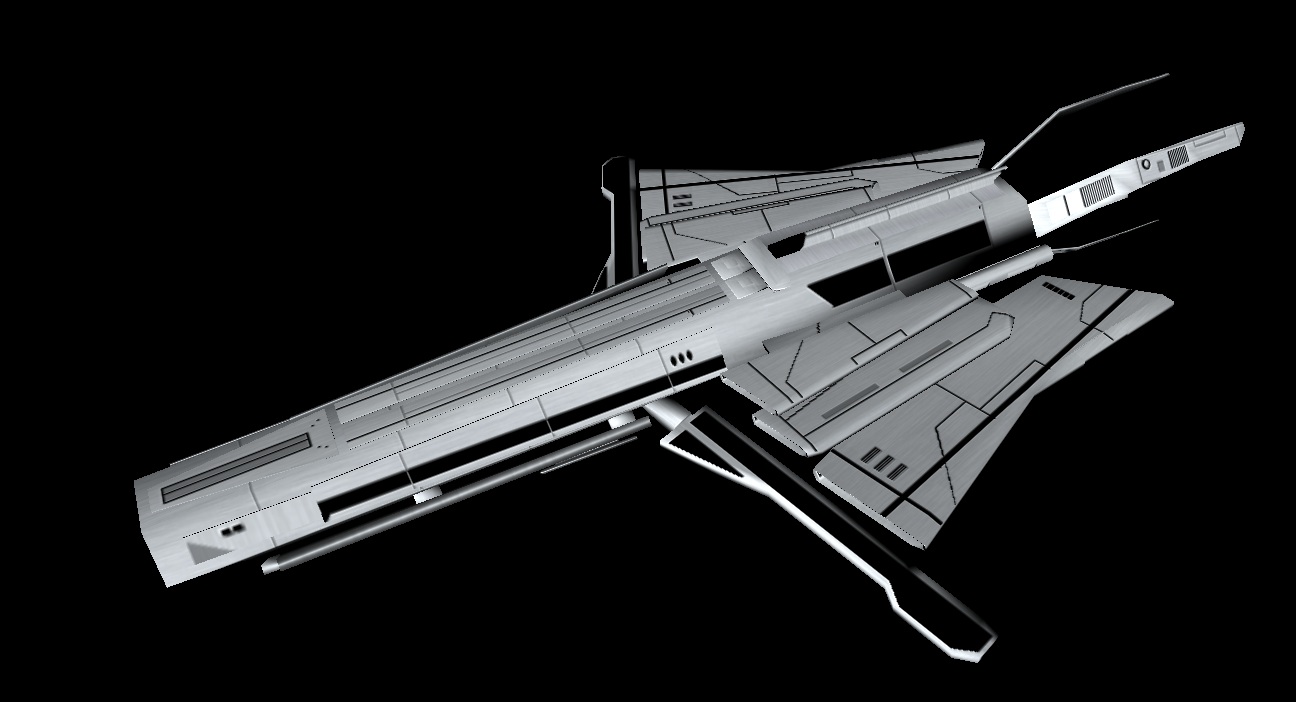
This thread seems kind of dead without me spamming trainloads of mediocrity into it, so here's a ship for a race that never made it into Black Sun.


A simple DyiithJhinn frigate, called the Singularity. Its engine system doubles as its main weapon, a long-ranged beam cannon.

Reply #1222 Top

you don't have a da map... in your .mesh, look for :

    Material
        DiffuseTextureFileName "your ship-cl.dds"
        SelfIlluminationTextureFileName ""
        NormalTextureFileName ""

you need something in the SelfIlluminationTextureFileName ... if you don't have yet made the da map, use the generic stardock Black-da.dds ... once you have created your da map simply replace the SelfIlluminationTextureFileName "Black-da.dds" by SelfIlluminationTextureFileName "your ship-da.dds"

This was for the dev.exe error... not sure that it will solve your team color problem since team color is located on the alpha channel of the cl... check if first that the DiffuseTextureFileName have the file name between the two " ... if it have, check closely since sins is case sensitive YourShip-cl.dds is not yourship-cl.dds ... at last, check the alpha channel from your cl...

If you don't find the problem, post a link for download your .mesh and your textures, so we can try to find the problem and not guessing...


Reply #1223 Top

Quoting Swiss, reply 1202
Anyone check ConceptShips today? 

 
End of Swiss's quote

If you were just going to do a shameless plug for your mod, ... well done!  Nice work.  :beer:

Reply #1225 Top

Just finished the new model for the Citadel:

Xin Citadel Xin Citadel